Waiting Room
A patient companion for a modern clinic
A calm, human companion app that turns a nervous clinic visit into something people actually understand — appointments, results and follow-ups in one quiet place.
- Year2026
- Runs oniOS, Web
- DisciplineMobile Apps — iOS & Android
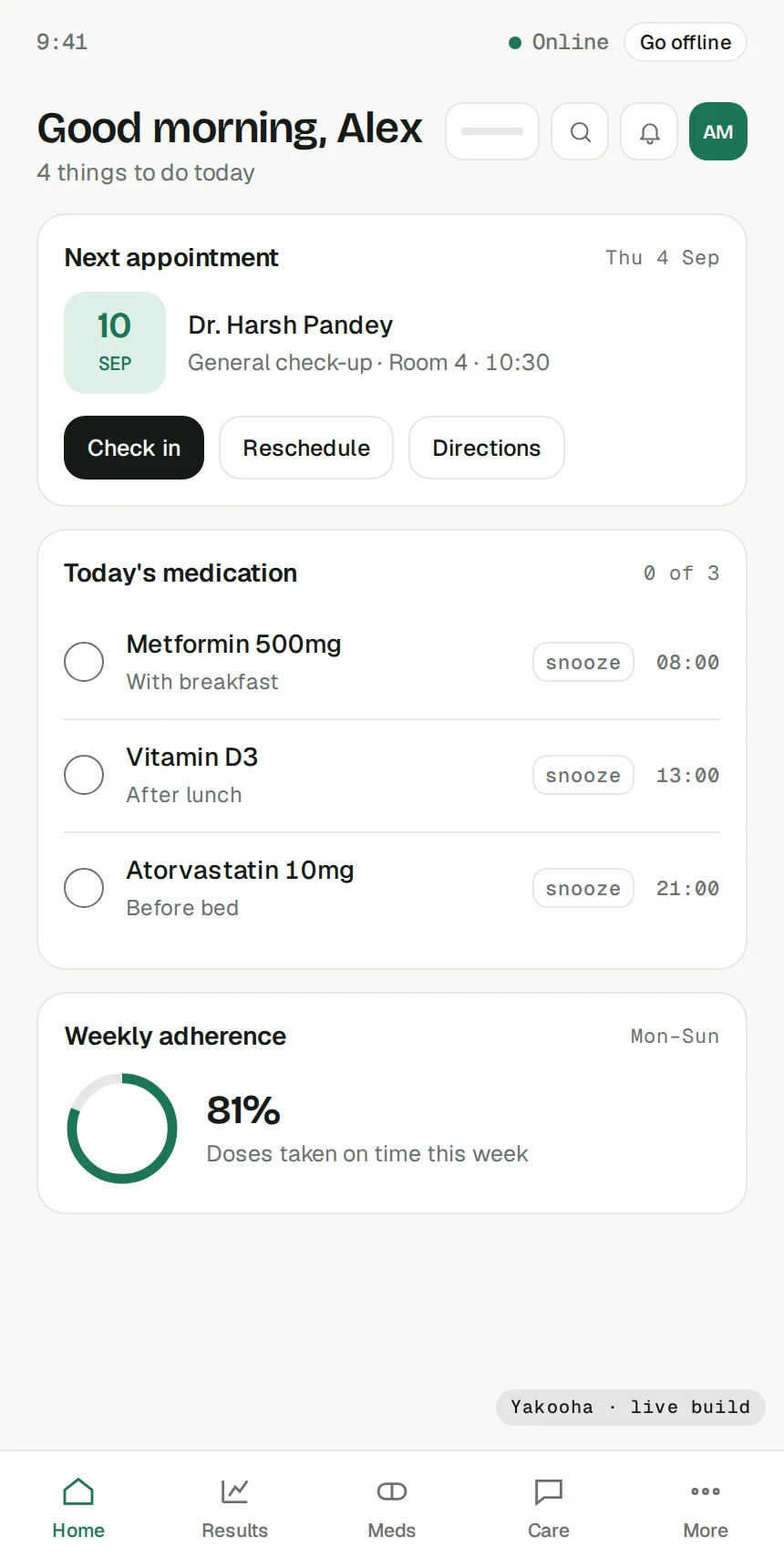
A sample brief, a real product. We wrote this brief ourselves to show how we work; the client and their story are illustrative. The product is not: it was designed and engineered here, and you can use it below. We publish results only for work a client has let us verify, so this page shows none.
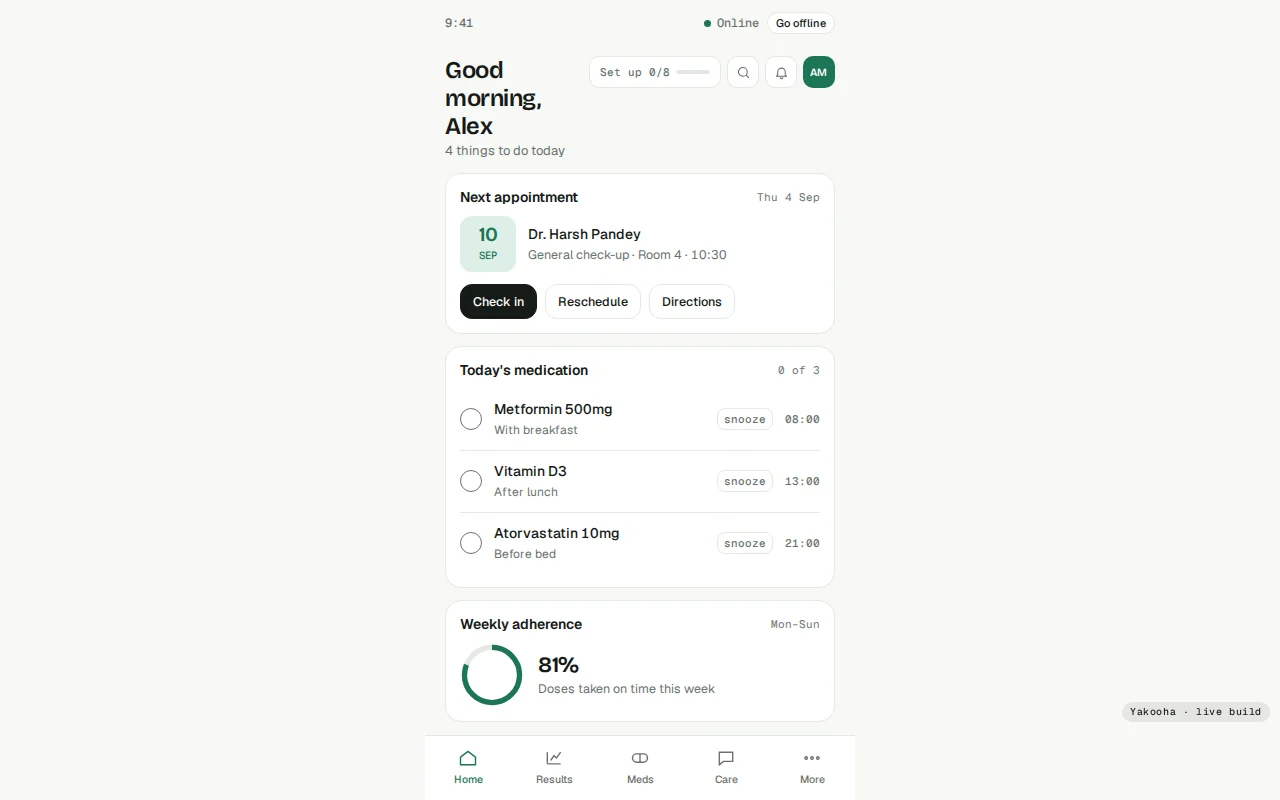
The brief
Waiting Room came to us with a familiar problem: brilliant care, buried under a patient experience that felt like paperwork. Visits were confusing, results arrived as jargon, and follow-ups slipped through the cracks.
We designed and built a companion app — end to end — that sits between the clinic and the patient. It explains what is happening in plain language, remembers what matters, and gently nudges people toward the next right step.
The problem
Health is high-stakes and low-tolerance for friction. Every screen had to be legible under stress, trustworthy at a glance, and fast on a three-year-old phone in a waiting room with one bar of signal.
- Explain clinical results without dumbing them down
- Earn trust with restraint, not dark patterns
- Work offline-first for patchy clinic Wi-Fi
- Meet accessibility from day one, not as a retrofit
The approach
We ran a two-week discovery with real patients and clinicians, then designed in the open — shipping a clickable prototype in week three and testing it with people who were, days earlier, actual patients.
- A quiet design system in Bricolage + system text
- SwiftUI front end, typed API, offline cache
- Weekly builds the clinic could hold and react to
What shipped
- Offline mode with an ordered action queue that replays on reconnect
- Snooze, refills and reschedule
- Plain-language lab results
- Care messages
- Family profiles
- Appointments: book, cancel, history
- Records: vitals, documents, allergies, vaccinations
- Billing and insurance
Under the surface
How it is built
Native SwiftUI and Jetpack Compose clients share a typed contract with a Node.js tRPC backend; PostgreSQL holds the clinical schedule, Redis handles reminder fan-out, and an offline-first cache keeps the app useful on one bar of clinic Wi-Fi.
- End-to-end types: tRPC contract shared client/server
- Offline queue with conflict-safe replay on reconnect
- HIPAA-style audit trail on every record touch
- Push via APNs/FCM through one dispatch service on AWS ECS
Considered and turned down
Flutter or React Native for a single codebase — we went native for HealthKit depth, accessibility APIs and scroll feel.
Stack
The mechanism, working
The part of Waiting Room that was hardest to get right, as a small model you can operate.
Offline-first action queue
Every tap is a command. Offline, commands queue locally; on reconnect they replay in order, conflict-safe.
